Pay the people who make the game possible. Send payments to officials securely and directly from the Bound platform.
Officials Pay
Pay officials easily, on time, and without extra paperwork.
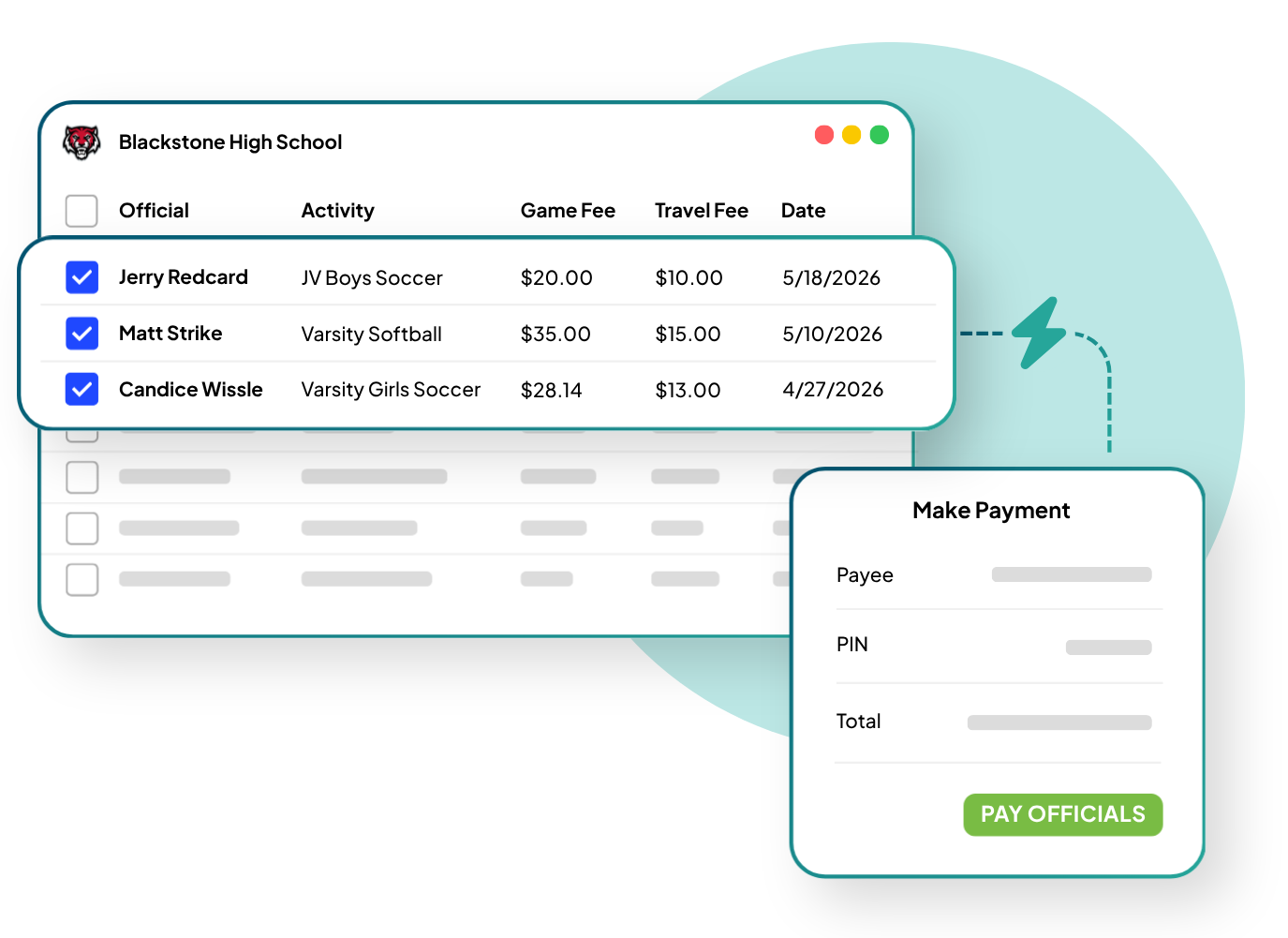
Say goodbye to manual vouchers. Athletic departments and financial admins can:
Pay Officials One-by-One or In Bulk
See Official Assignments by Date, Activity, Location, and More
Track Game and Travel Fees
Digital Wallet
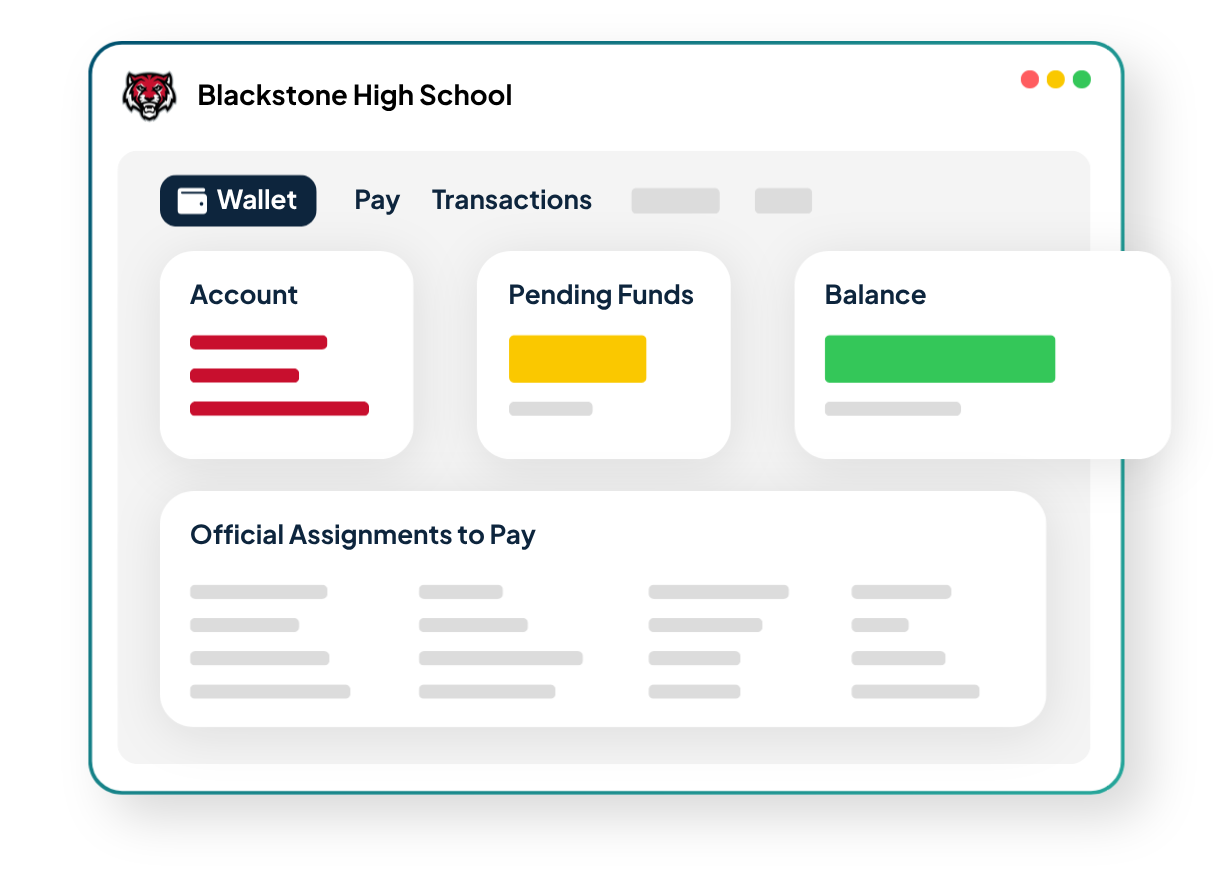
Manage, track, and review officials payments in one place.
Your school's finance team can manage officials pay with real-time visibility into each transaction.
Send Funds Directly from Your School's Wallet Balance
Review and Adjust Pending Payments
Approve Final Payments to Officials and Referees
Tax Documents
Handle taxes with ease.
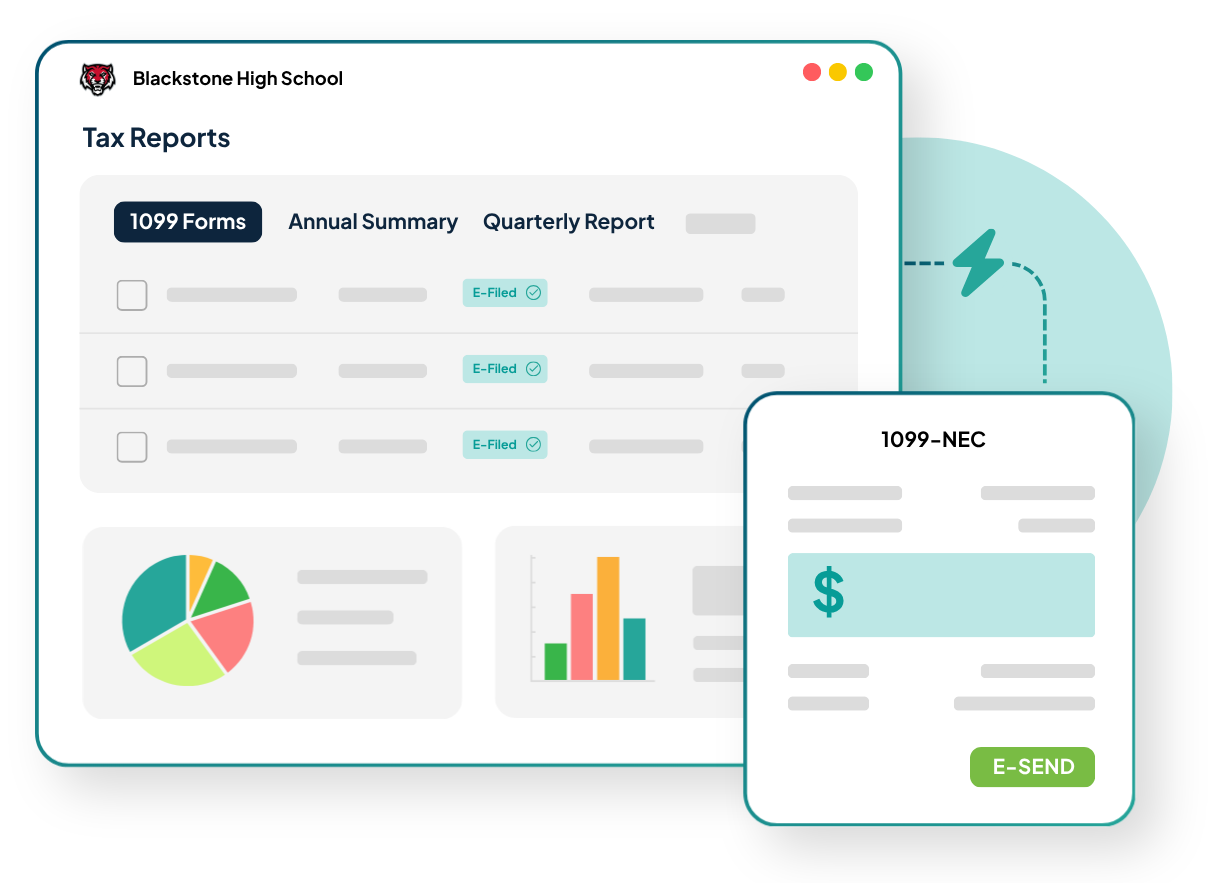
Stay on top of bookkeeping with built-in tax compliance and reporting tools. Bound automatically generates tax documents based on officials payments.
1099 Tax Report
Annual Tax Summary of Taxable Transactions
Quarterly Tax Report of Tax-related Transactions
Frequently Asked Questions (FAQs)
How do I see officials payments made in Bound?
You can view wallet activity, balances, deposits and withdrawals, transfers, transactions, and more in your school dashboard. Go to Business -> Pay, and click the Reports button.
When will my officials be paid?
Money lands in bank accounts within 1-3 business days from when they are paid out.
How are taxes handled through Bound?
W-9s are filled out by officials prior to first payment. 1099s are issued each January by Bound via Stripe.
How do I connect my bank account to Bound?
Before you can pay officials, your school's Wallet must be set up and your bank account linked. When setting up your Wallet, you'll be prompted to link a bank account. Follow the Link and Stripe prompts to connect your bank account.
Do officials also have to be in Bound?
Yes. Officials must also have their own Wallet set up in Bound; you can't pay an official who hasn't completed setup on their end.
Can we pay mileage for officials' travel?
Yes, if mileage is set up in the contract, it's included automatically in their payout.
How does Bound Officials Pay help you lead moreand manage less?
Spend Less Time on Logistics
By centralizing your officials payments, Bound eliminates the clutter—freeing up time for leadership, not paperwork.
Reduce Stress and Administrative Overload
With a safe, easy-to-use digital wallet, Bound eliminates manual payments to officials so you can reduce risk and focus on the big picture.
Lead with Confidence and Clarity
Know where everything stands—who’s assigned, who’s paid, and what’s next—without chasing down information or juggling multiple systems.